Workspace/How to Use
Choose your guide.
Three products, three focused visual libraries. Choose the workspace you want to understand and go straight to screenshots, controls, workflows and product-specific guidance.
01
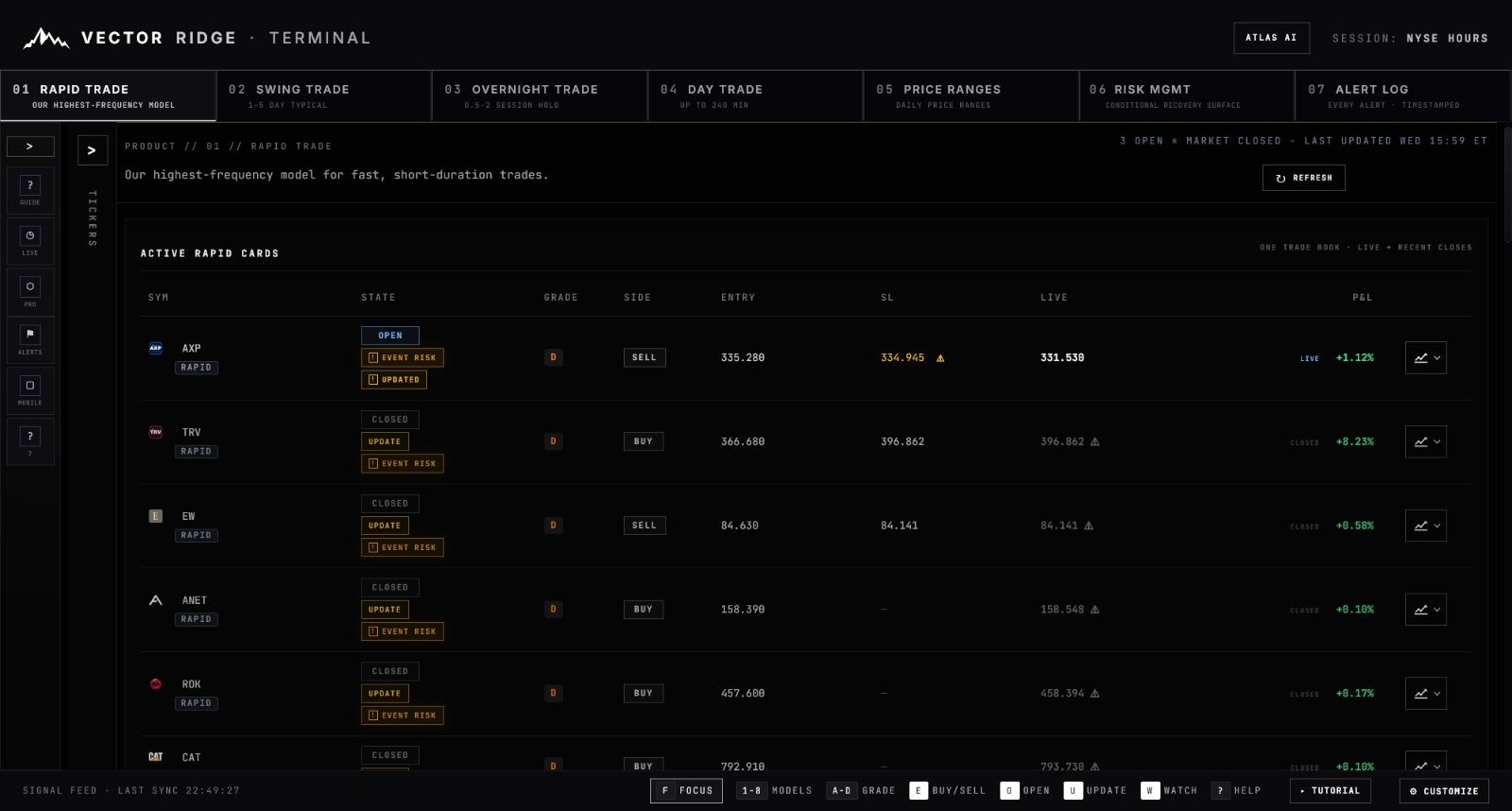 Live trading workspace
Live trading workspace
Signals / charts / alerts
Trading Terminal
Learn Rapid, Swing, Overnight and Day Trade cards, chart controls, Risk Management, alerts and the exact workflow for following a position.
15 visual chaptersOpen guide
02
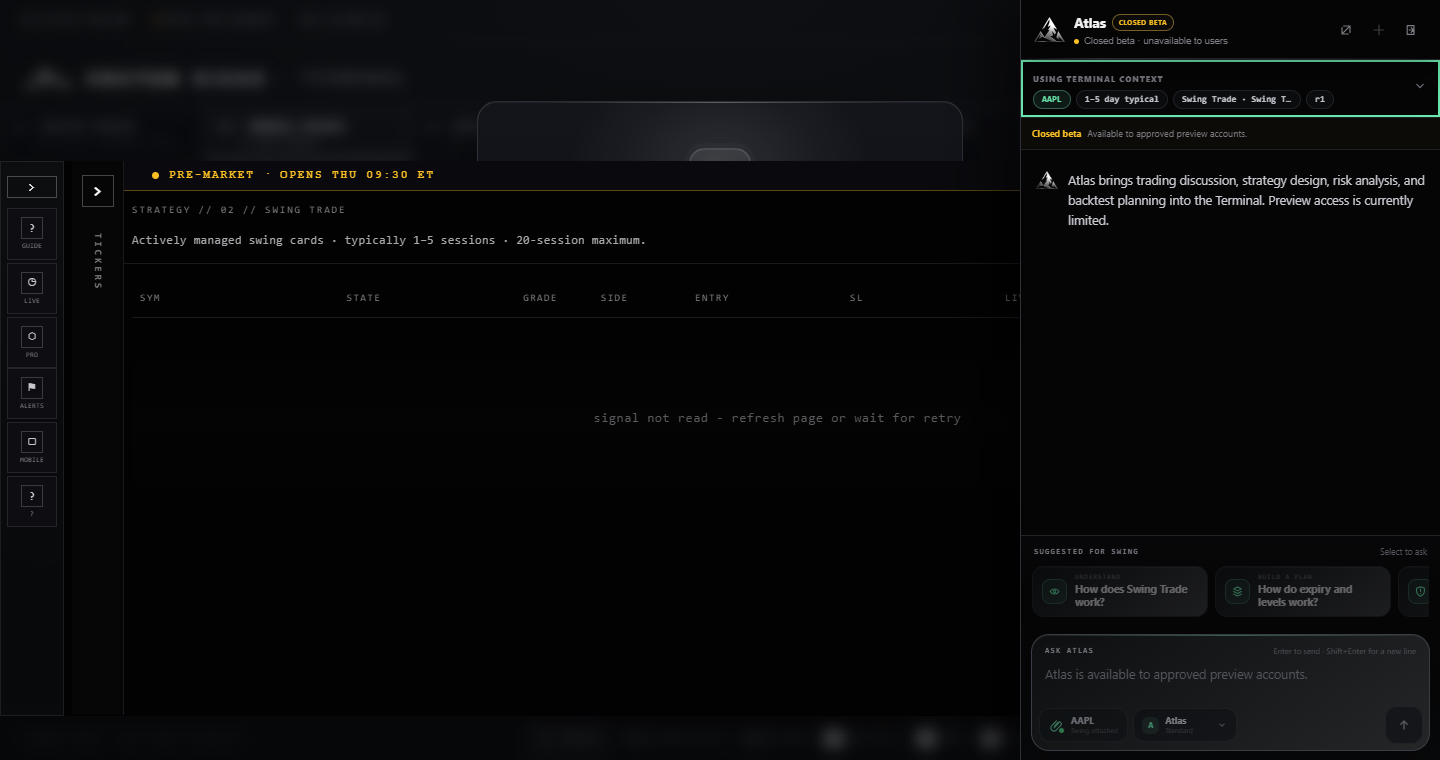 Research copilot
Research copilot
Ask / analyse / build
Atlas AI
See when to use the Terminal sidebar or the full AI Lab, how to ask better questions, attach evidence, preserve context and interpret research outputs.
2 connected workspacesOpen guide
03
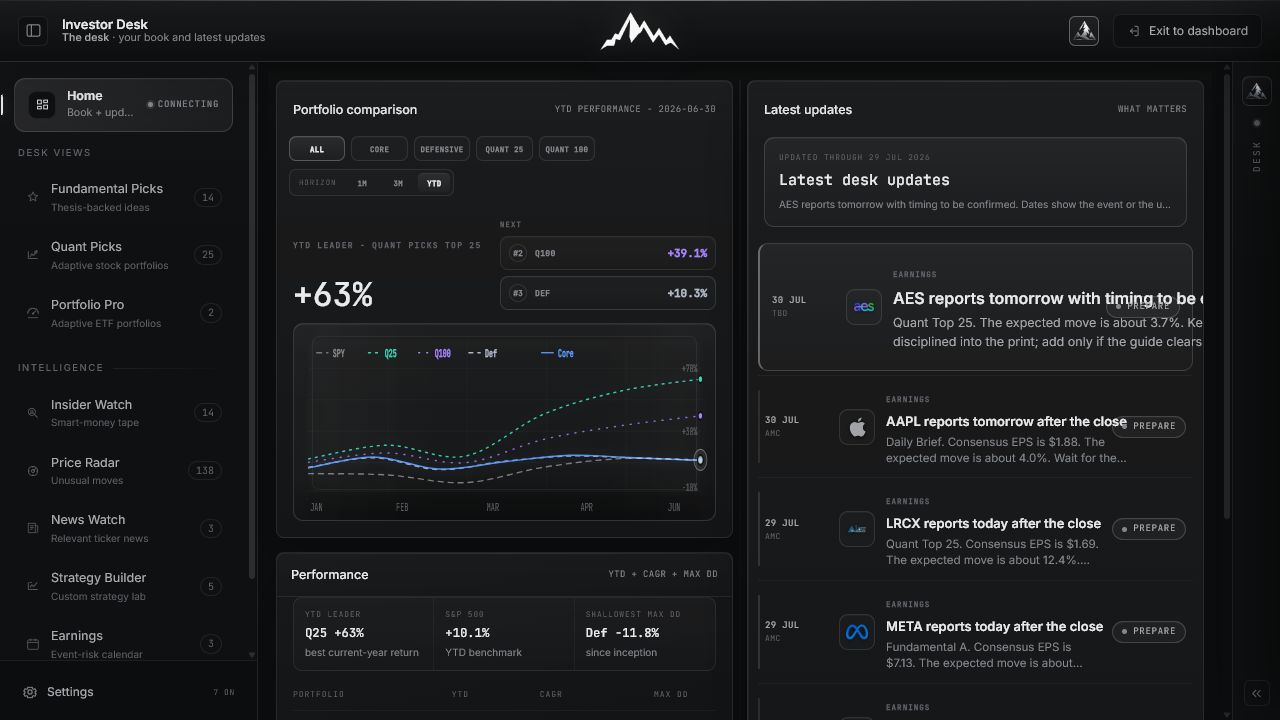 Long-term research
Long-term research
Stocks / portfolios / intelligence
Investor Desk
Explore Fundamental Picks, Quant Picks, Portfolio Pro, Price Radar, ownership intelligence, earnings research and the Daily Brief.
10 product walkthroughsOpen guide