Home
What changed, and which product owns the next review?
 Vector Ridge
Investor Desk guide
Choose a feature. See exactly what it does.
Every Investor Desk feature now has its own standalone guide with the real product screen, numbered explanations, a practical workflow, and a direct link into that feature.
Complete workspace manual
Investor Desk separates portfolio construction, company research, ownership evidence, market movement, news, earnings, and macro events into focused products. Home connects them without flattening their different clocks or purposes.
Product map
Move through the product in order. Each view has a distinct job and should not be used as a substitute for the next one.
What changed, and which product owns the next review?
What is the thesis, model standing, ownership evidence, and market context?
What does the current dated model hold and how is it constructed?
Which earnings or macro release can change the evidence next?
Does a rules-based idea survive a fair benchmark and robustness checks?
Screen anatomy
The field, its meaning, and the decision it supports remain separate. This prevents a rank, forecast, range, or headline result from carrying more authority than it should.
Identifies the feature that produced an update.
Use it to open the correct detailed workflow rather than acting from Home.
The date through which the displayed claim is marked.
Check it before comparing products that update on different schedules.
The common performance window selected for the comparison.
Keep every series on the same horizon before ranking outcomes.
The S&P 500 path over the same displayed period.
Use it as context, not as proof that every product shares the same objective.
A concise, dated statement of what changed.
Open it when it changes a holding, thesis, event, or review priority.
Loads earlier updates in measured groups.
Use it to reconstruct context without turning Home into an endless feed.
Interpretation states
A product state should lead to a specific research action, including the decision to do nothing when no new evidence deserves attention.
Repeatable workflow
The routine keeps the product useful after the novelty disappears. It also leaves a clearer record of what was known, what changed, and why a decision followed.
Set one common horizon on Home and read the product paths beside the S&P 500.
Scan Latest updates in date order and ignore unchanged products.
Open the product named on the update rather than making a decision from the summary.
Check the product's own as-of date, construction, evidence, or event clock.
Cross-check the company thesis, quant standing, ownership activity, range, and event context only when relevant.
Load older updates when reconstructing why the current state differs from an earlier one.
Return to Home when the detailed review is complete; it is the desk map, not the final decision surface.
Plain-English glossary
Four real workspace captures
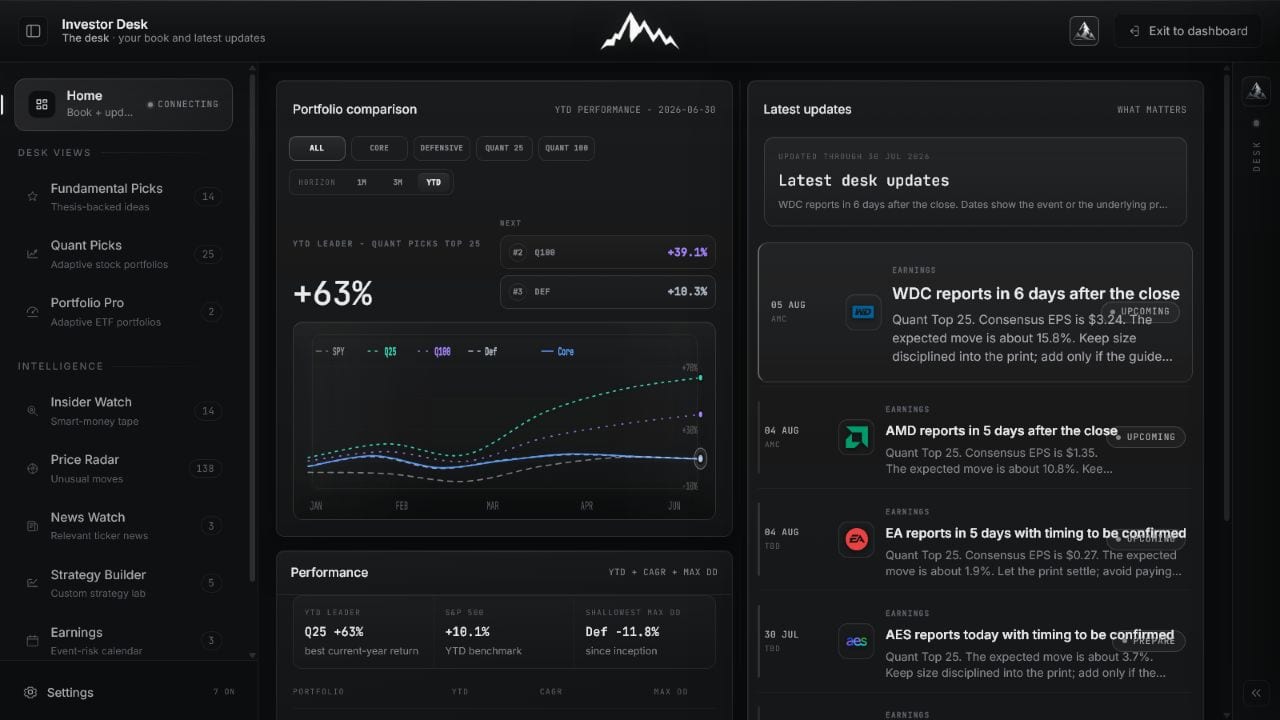
Home is an orientation layer, not another feed. These captures show the product comparison, dated update history, and the same decision path on mobile.
The comparison panel keeps each tracked portfolio beside the S&P 500 over the same horizon, while Latest updates shows what changed and where to continue.
 Open full image
Use the chart to understand the current product paths, then use the dated queue to decide what deserves attention.
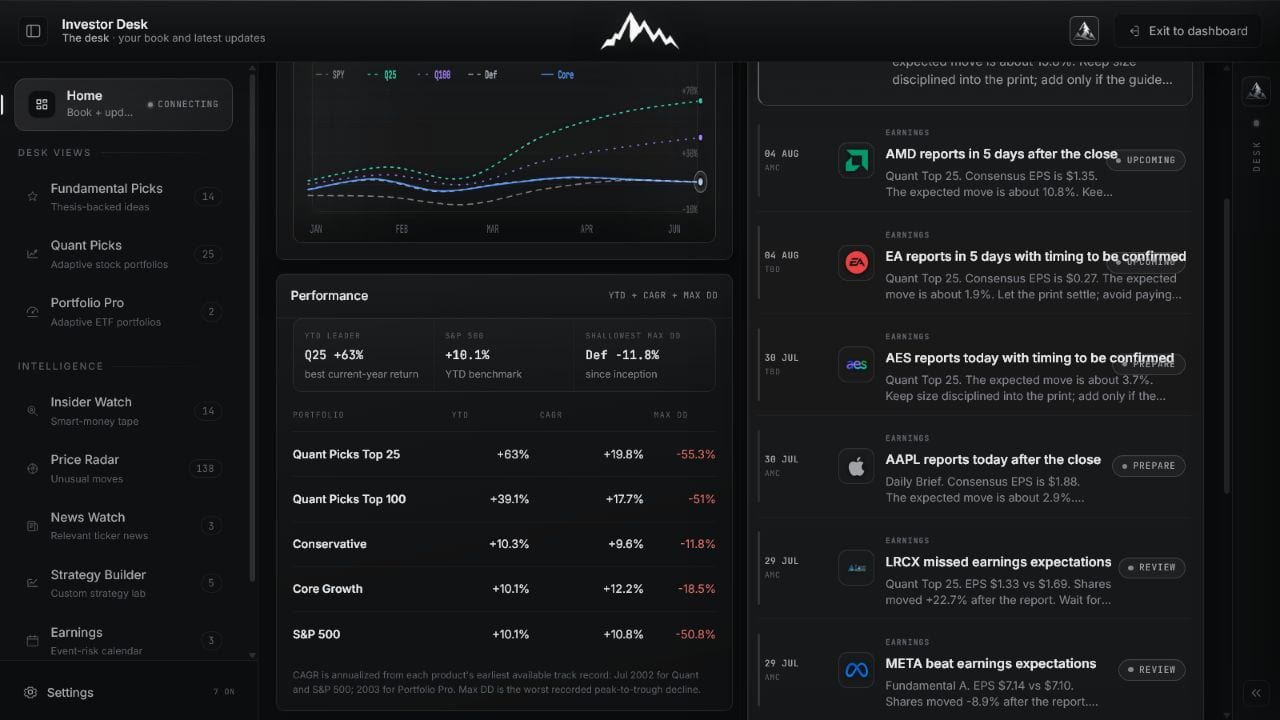 Open full image
Load earlier items in measured batches instead of losing prior changes inside an endless stream.
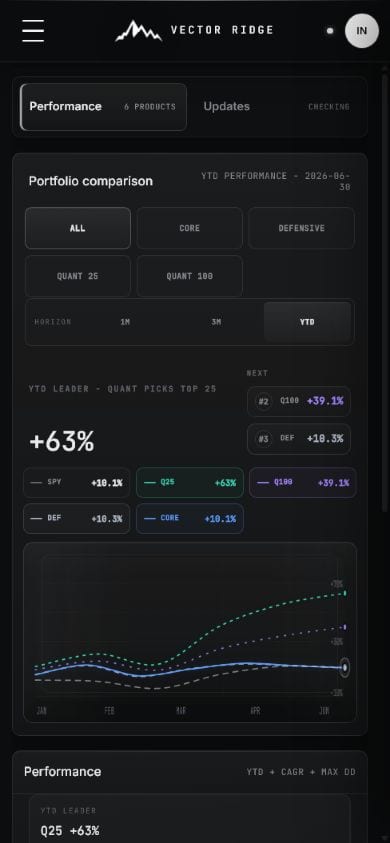
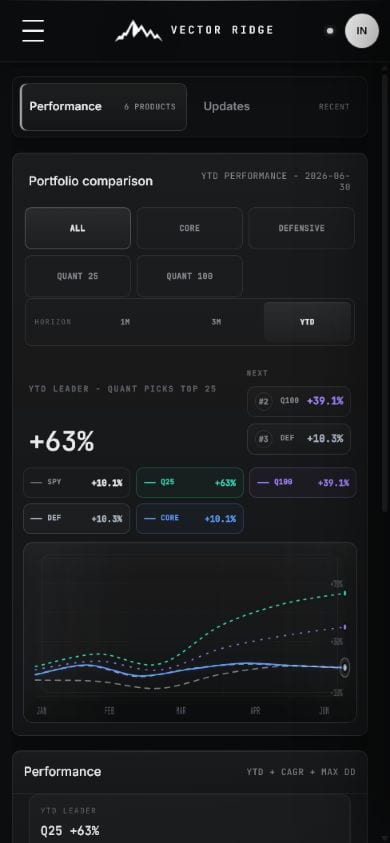
Mobile preserves the product comparison and update queue as a vertical review path, with every item routing into the product that owns it.
 Open full image
Read the same-horizon product paths without horizontal page scrolling.
 Open full image
Dates, product labels, and concise summaries make the next action clear.
8 separate product guides
Each card opens a dedicated page about that feature only. Every page contains the real desktop screen, a mobile screen, numbered capability explanations, and the exact workflow.
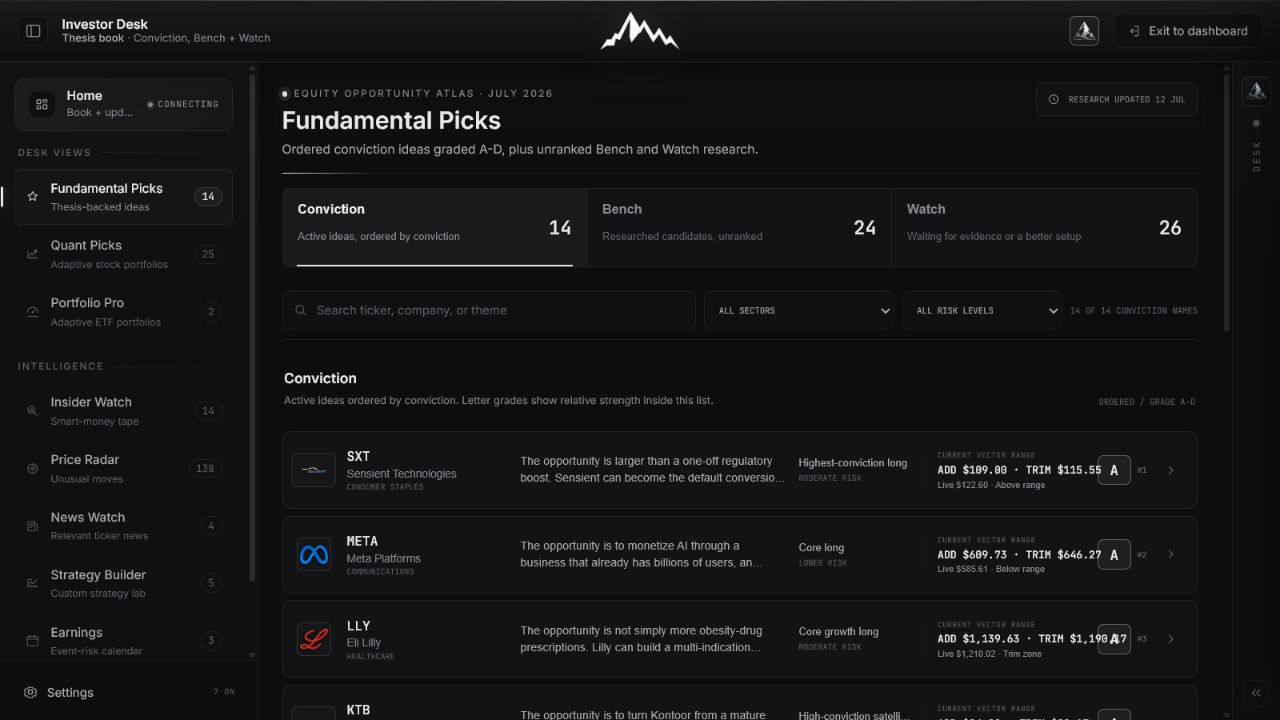
Understand the thesis before you look at the ticker.
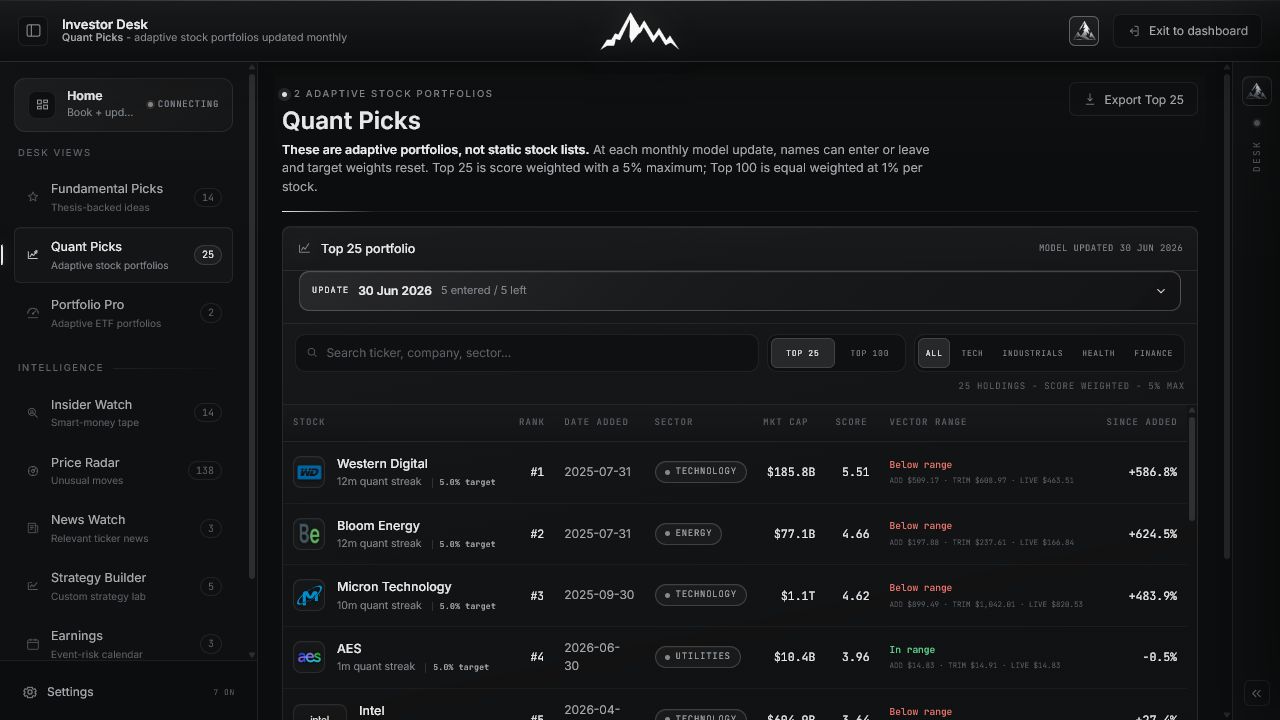
Follow a portfolio that can change as the model changes.
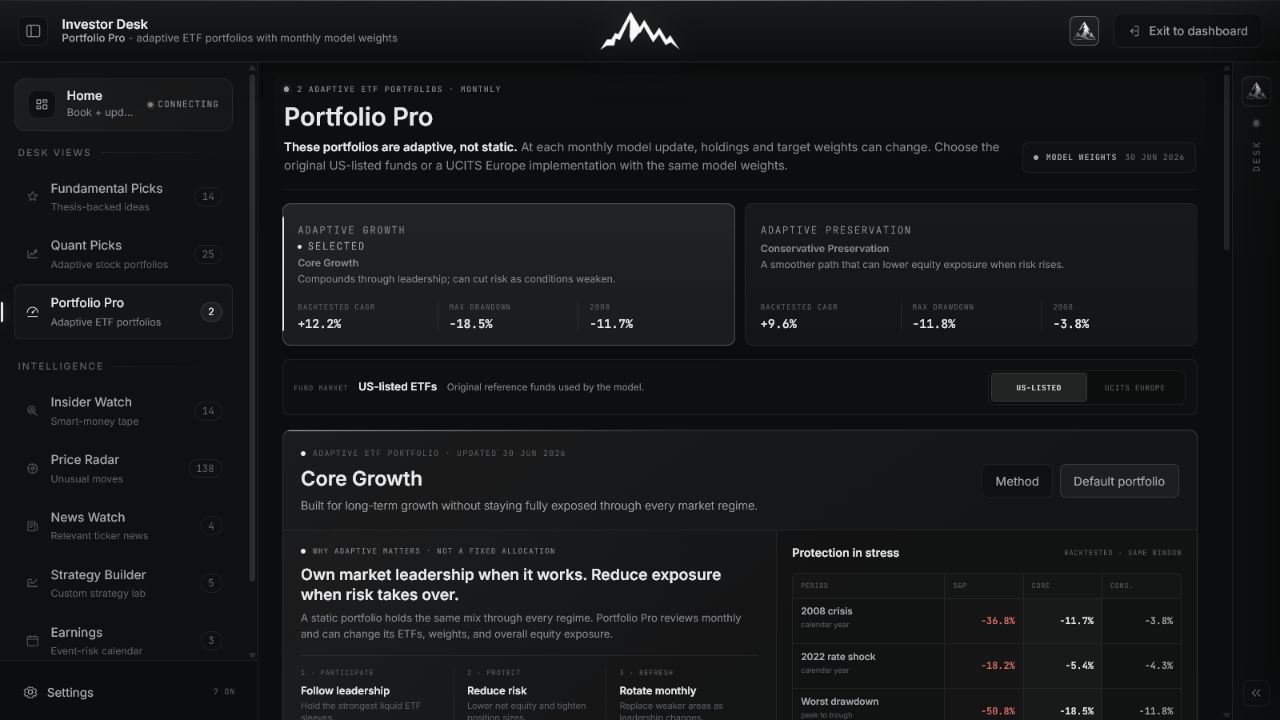
See what the portfolio owns now, and why it can adapt.
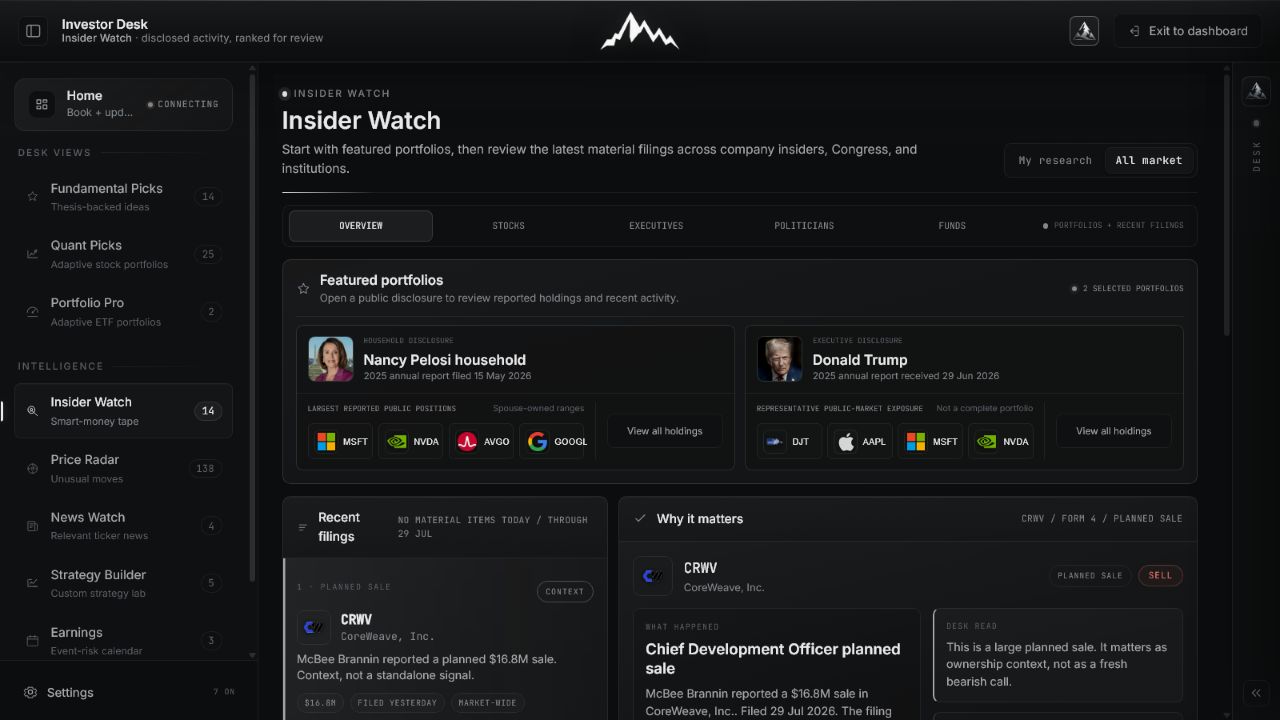
See when informed owners materially change exposure.
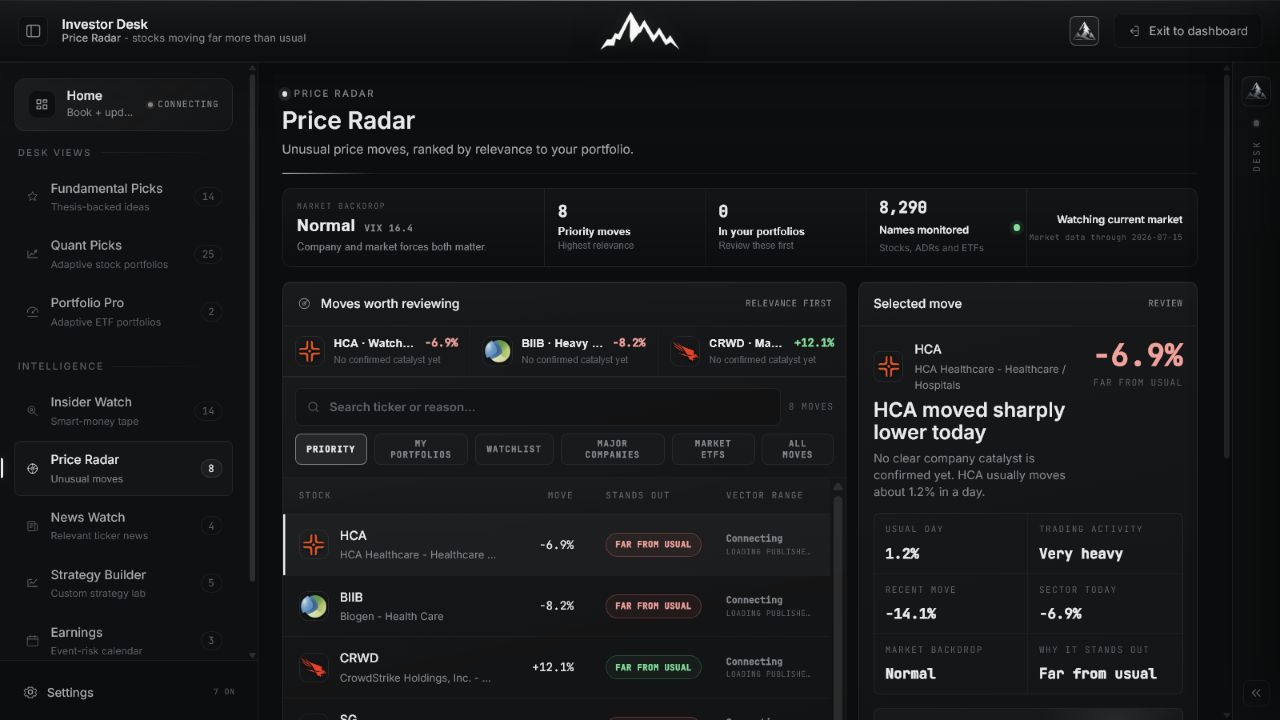
Find the moves that are unusual for the stock, not just large on a screen.
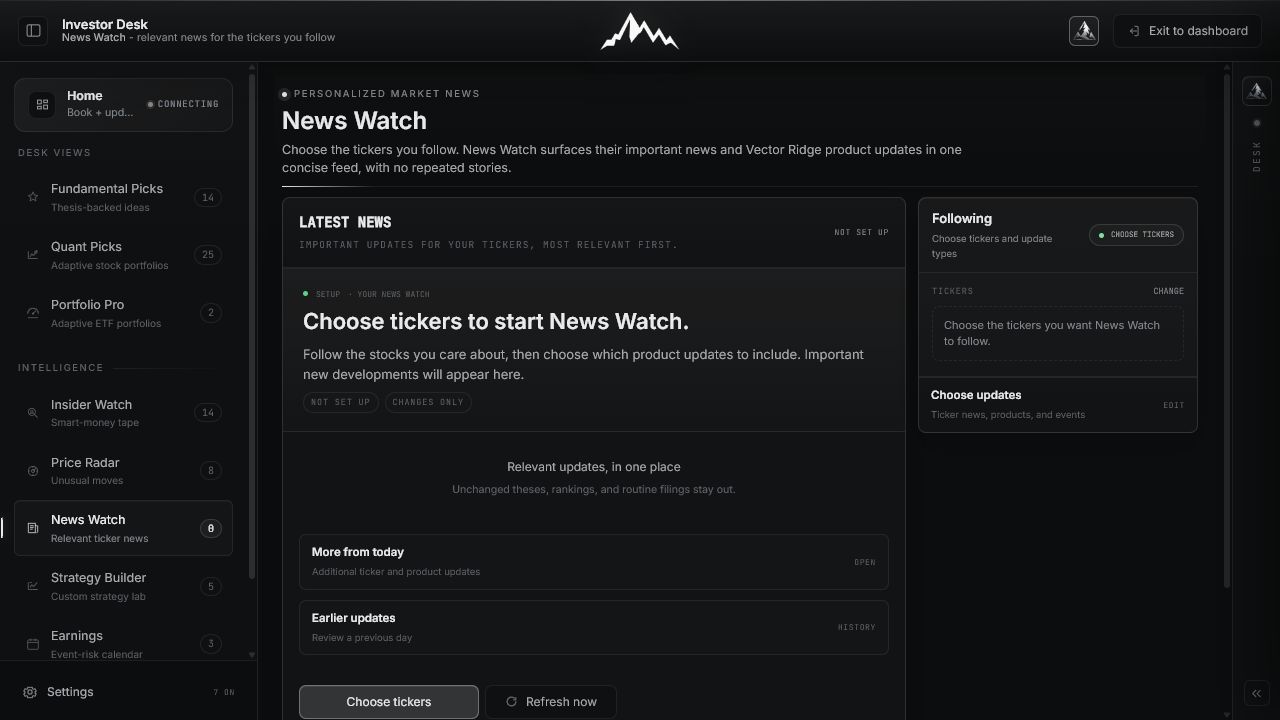
Follow the tickers you care about without reading the same story five times.
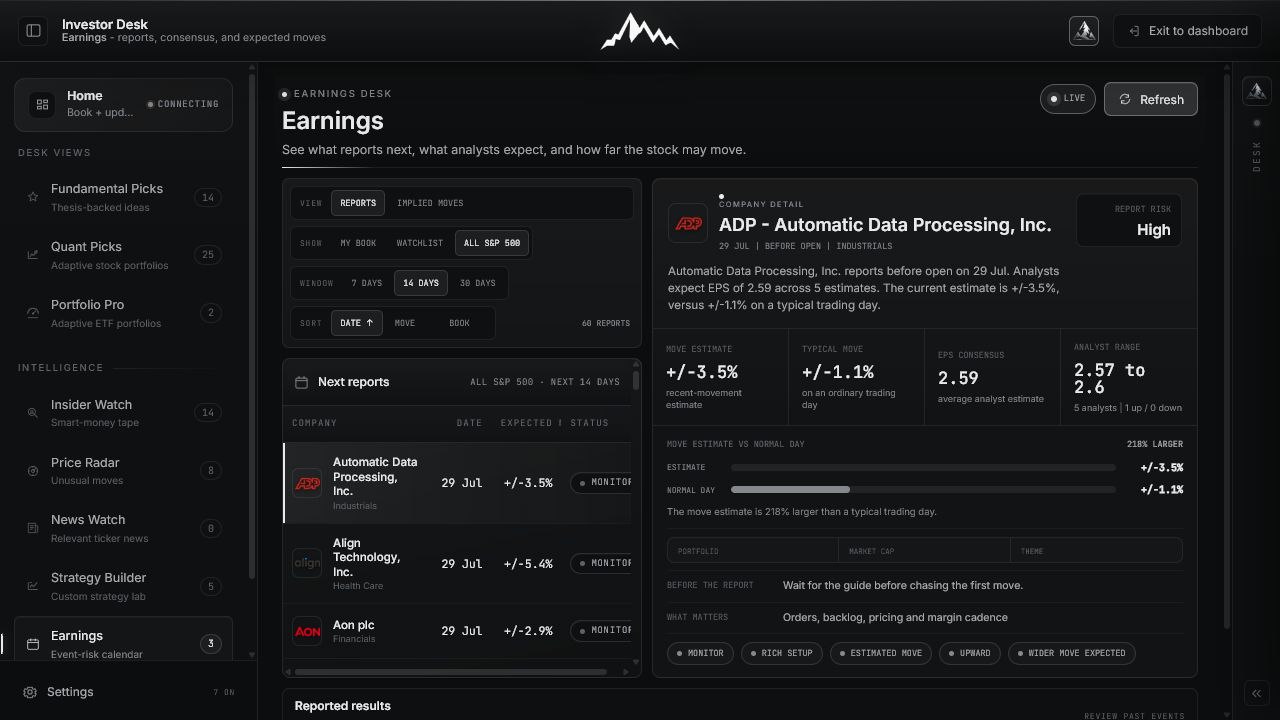
Know what reports next, what analysts expect, and how far the market is pricing the stock to move.
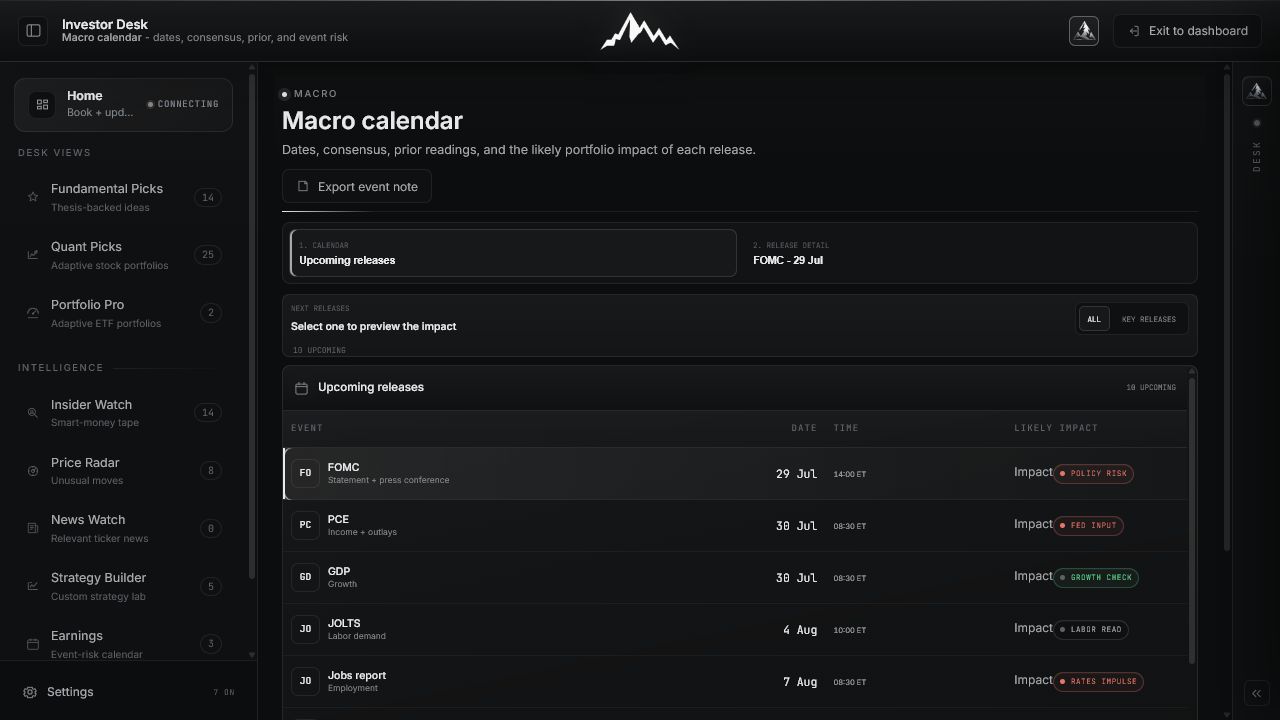
See the next major release, the consensus, and the portfolio question it creates.
Investor Desk
Choose a standalone guide above, or open Investor Desk and explore the full workspace.